


What the Pomodoro technique is
Francesco Cirillo developed the Pomodoro technique in the late 1980s and named it after a tomato-shaped kitchen timer. The classic rhythm is 25 minutes of focused work, then a 5-minute break. After four rounds you take a longer break of 15 to 30 minutes.
Two rules do most of the work. Pick one task per block, and when the timer rings, stop and rest. Knowing a break is coming makes it easier to start, and regular pauses keep a long day from blurring together.
25/5 or 50/10?
- 25/5 is the classic. It suits small tasks, e-mail, admin work, or days when starting is the hard part.
- 50/10 suits deep work: writing, coding, studying, design. A longer block gives you time to get properly into a problem.
Neither is "correct". Try each for a few days and keep the one where you finish a block feeling focused, not drained. If you keep getting interrupted halfway, shorten the block.
How to take a good break
A break only works if it is a real break. Scrolling your phone or reading messages keeps your eyes and your head busy.
- Stand up. Even one minute away from the chair helps.
- Look far away. After a block at the screen, look out of the window. This is the idea behind the 20-20-20 rule.
- Move a little. Roll your shoulders, stretch your neck, walk to the kitchen.
- Drink some water. It is easy to forget during focused work.
- Leave your inbox alone. Anything urgent can wait five minutes.
Why people skip the break
When you are in the flow, stopping feels like a loss. A quiet notification is gone in a second, and "just one more minute" turns into two hours. That is exactly when a break helps most, because tired focus gets slower without you noticing.
Let a pet enforce the rhythm
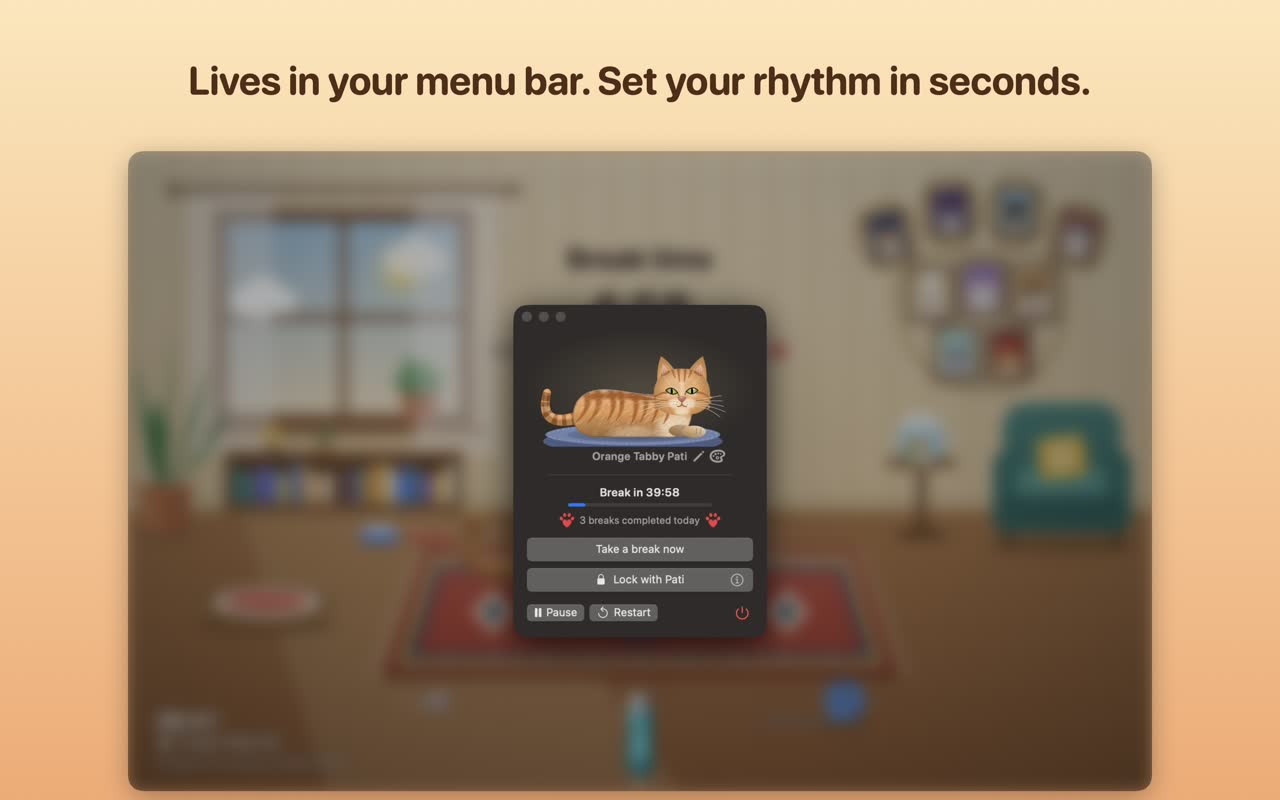
Pati (a cat) and Hav (a dog) are break timers for Mac and Windows. Set the work time and the break time on simple wheels, for example 25 minutes of work and a 5-minute break. The countdown runs quietly in the menu bar (Mac) or system tray (Windows).
Your pet peeks in 60 seconds before the break, so you can finish your sentence. When time is up, it walks onto the screen and lies on your keyboard until the break is over. There is nothing left to type, so you stand up and look away.
On a video call or presenting? The meeting shield holds the break until you are done. The shortest break you can set is 10 seconds, which is also enough for a quick look out of the window.
Set up your Pomodoro rhythm
- Install Pati or Hav from the Mac App Store or Microsoft Store.
- Open the timer from the menu bar or system tray.
- Set the wheels to your rhythm, for example 25 minutes of work and 5 minutes of break.
- Start your first block with one clear task.
Want to try the rhythm first? Use our free Pomodoro timer in your browser.
BreakPet is a break reminder, not a medical device. If you have pain, tired eyes that do not get better, or other symptoms, see a doctor.
Questions
How long is one Pomodoro?
Classically 25 minutes of focus followed by a 5-minute break, with a longer break of 15 to 30 minutes after four rounds. Many people prefer 50/10 for deep work. Use whatever keeps you focused.
Should I skip the break when I am in flow?
It is tempting, but short regular breaks keep your focus and your eyes fresher over the whole day. If a block is going really well, finish your thought, then take the break.
Can Pati or Hav run a 25/5 rhythm?
Yes. Work and break times are set with simple wheels, so you can set 25 minutes of work and a 5-minute break. Your pet then lies on your keyboard when the break starts.
Is it free, and does it run on Windows?
Yes to both. Pati and Hav are free to start with three pets and the special-day guests, and they run on Mac and Windows. Extra pets come in optional one-time packs, with no subscription.