
Built for Windows
- System tray timer. Set work and break times with simple wheels, including the 20-20-20 eye rule.
- Meeting shield. On a call or presenting in PowerPoint? The break waits and starts 30 seconds after you're done.
- Heads-up first. Your pet peeks in 60 seconds before each break so you can finish what you're doing.
- Jump list shortcuts. Take a break now, pause or lock with your pet straight from the taskbar.
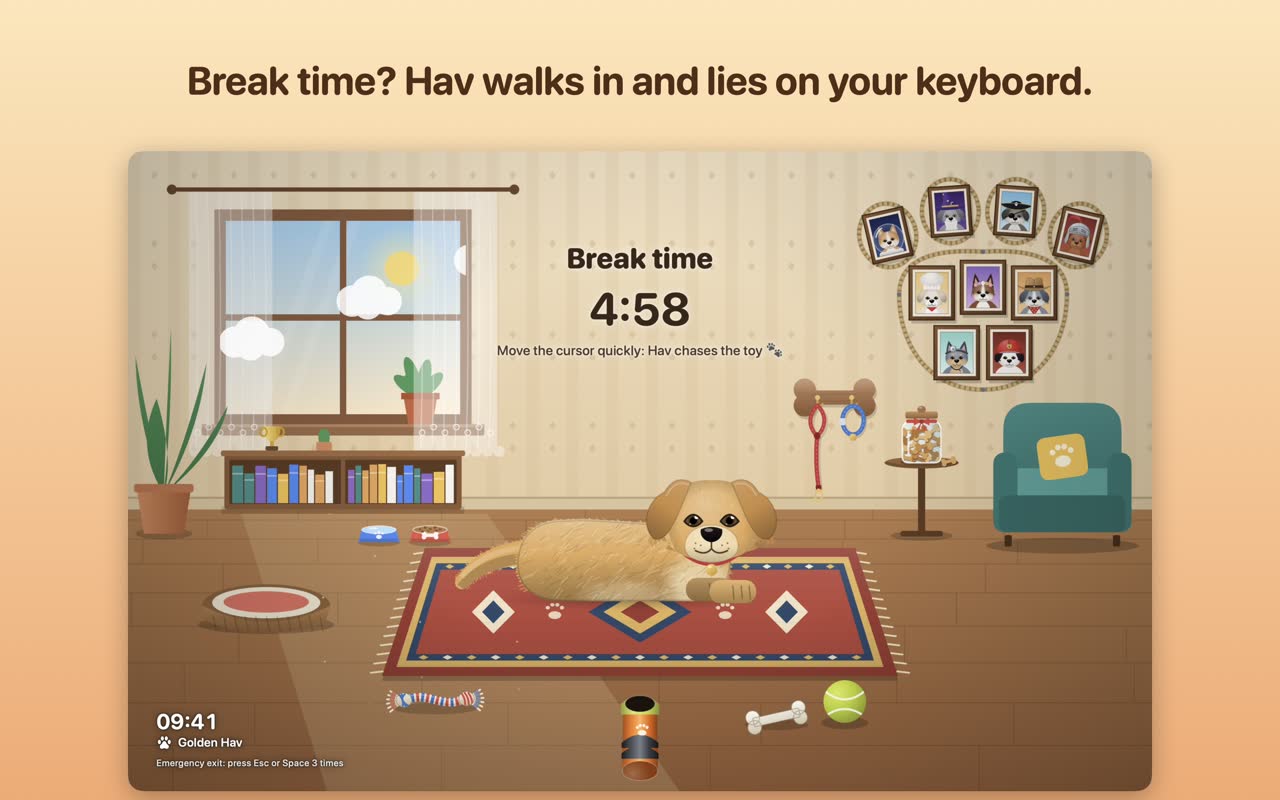
- Play lock with Windows Hello. Cover your screen with your pet and unlock with Windows Hello or your password. (It's not a real lock: use Win + L too when you leave your PC alone.)
- 11 languages. The apps speak English, Turkish, German, French, Spanish, Italian, Portuguese, Japanese, Chinese and Korean.
Private by design
No account, no analytics, no ads. Nothing you type or see on screen is read. Your settings stay on your PC.
Get it from the Microsoft Store
 Pati · The Break Cat
 Hav · The Break Dog
Questions
Is it free?
Yes, to start. Each app comes with three pets and the special-day guests. Optional one-time packs add more. There is no subscription.
Which Windows versions are supported?
Install from the Microsoft Store; the store page shows whether your PC is supported.
Will it interrupt Teams calls?
No. The meeting shield waits until your call or presentation is over and starts the break 30 seconds later.
More guides
The 20-20-20 ruleSet it up in under a minuteBreak reminder for MacMenu bar, Shortcuts, Touch IDBest break reminder apps (2026)Seven apps, compared fairlyA desktop pet with a jobA cat or dog that gets you upStretchly alternativeAn honest comparisonTime Out alternativeTime Out vs. Pati and HavBreakTimer alternativeBreakTimer vs. Pati and HavCat break timerPati, the cat on your keyboard