
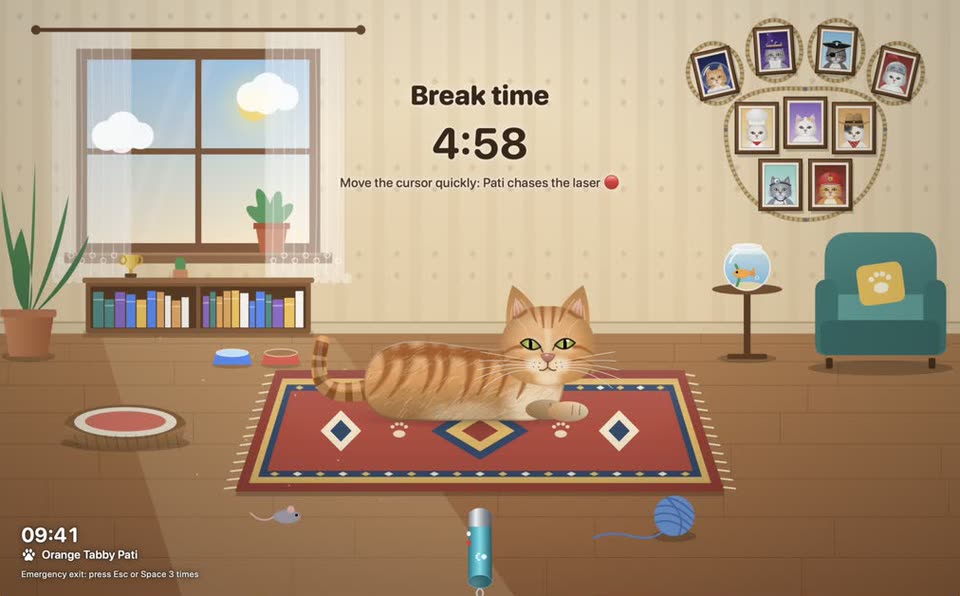
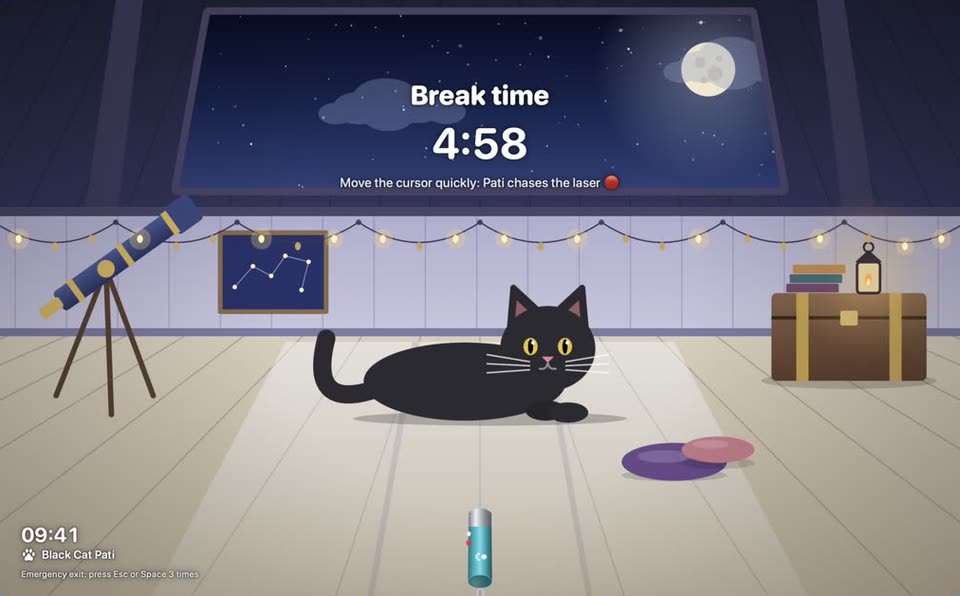
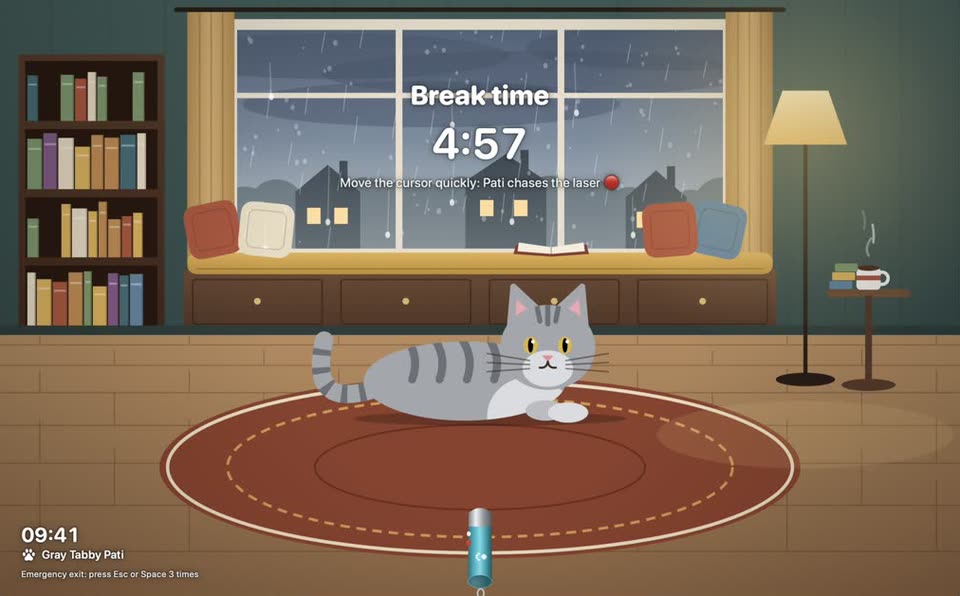
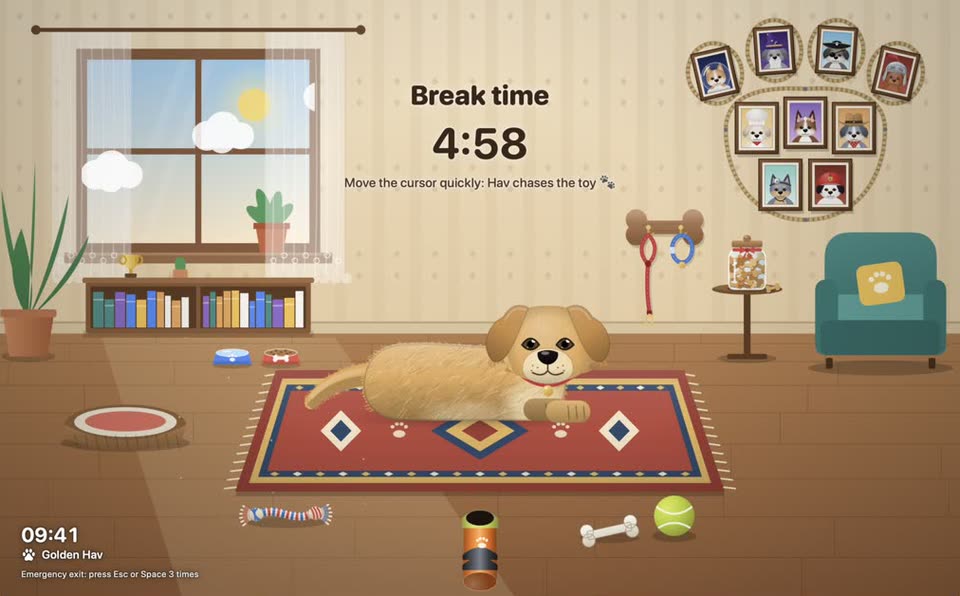
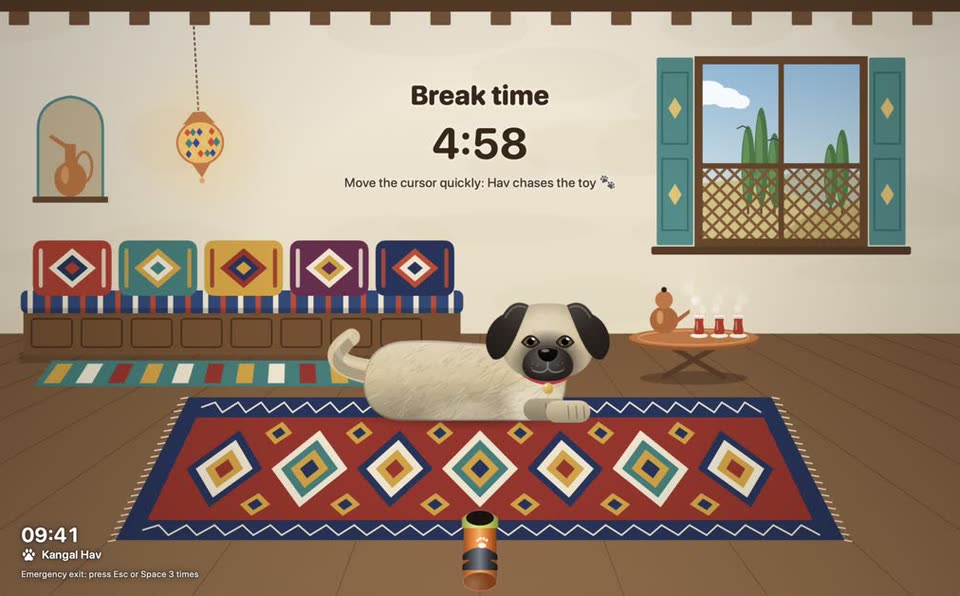
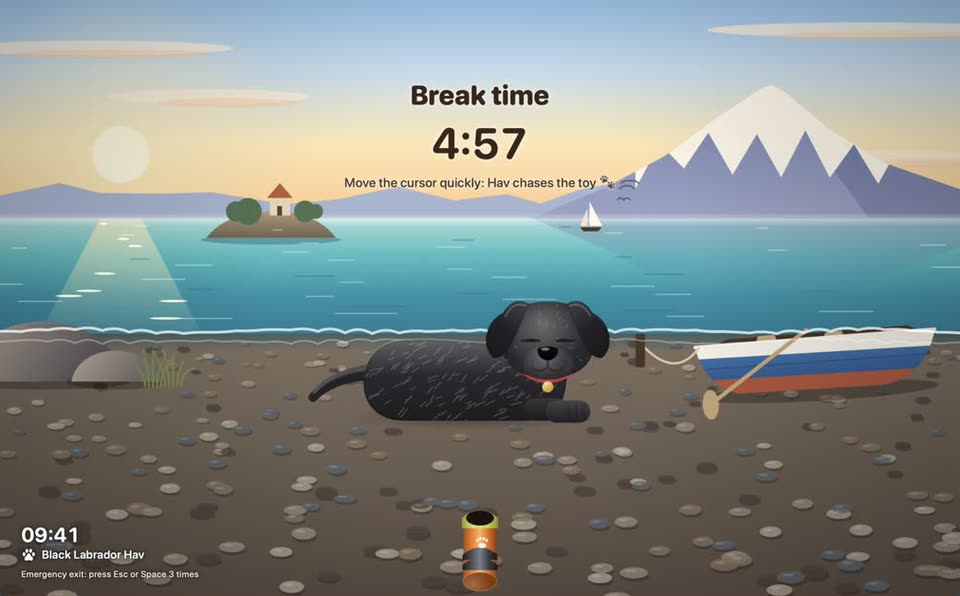
Switch scenes instantly
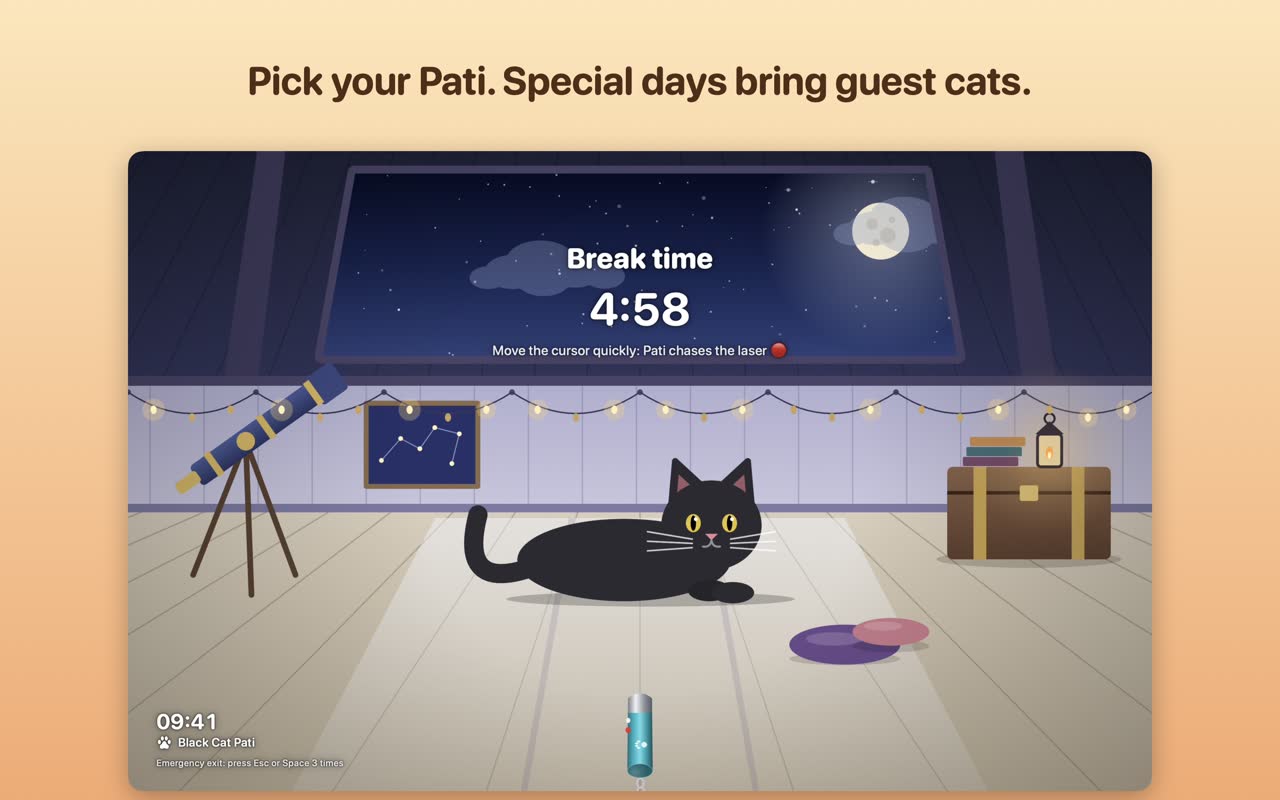
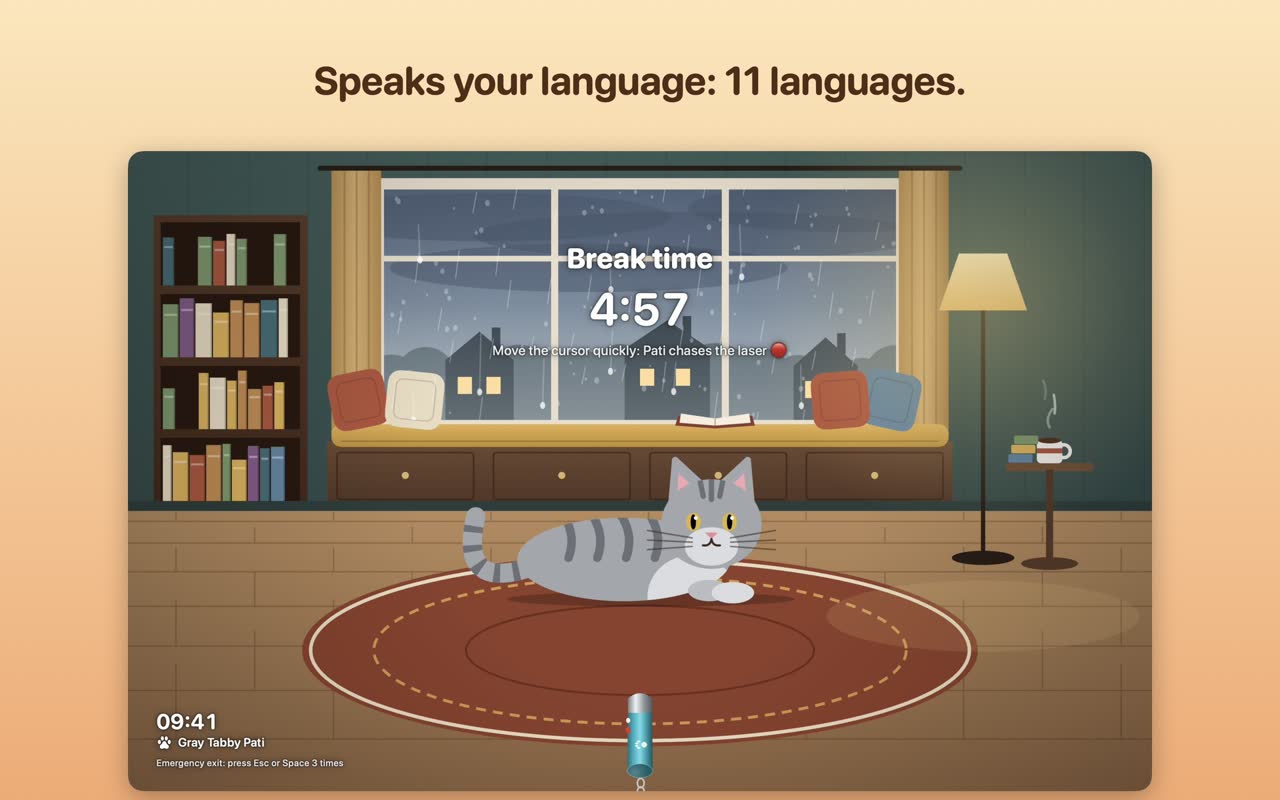
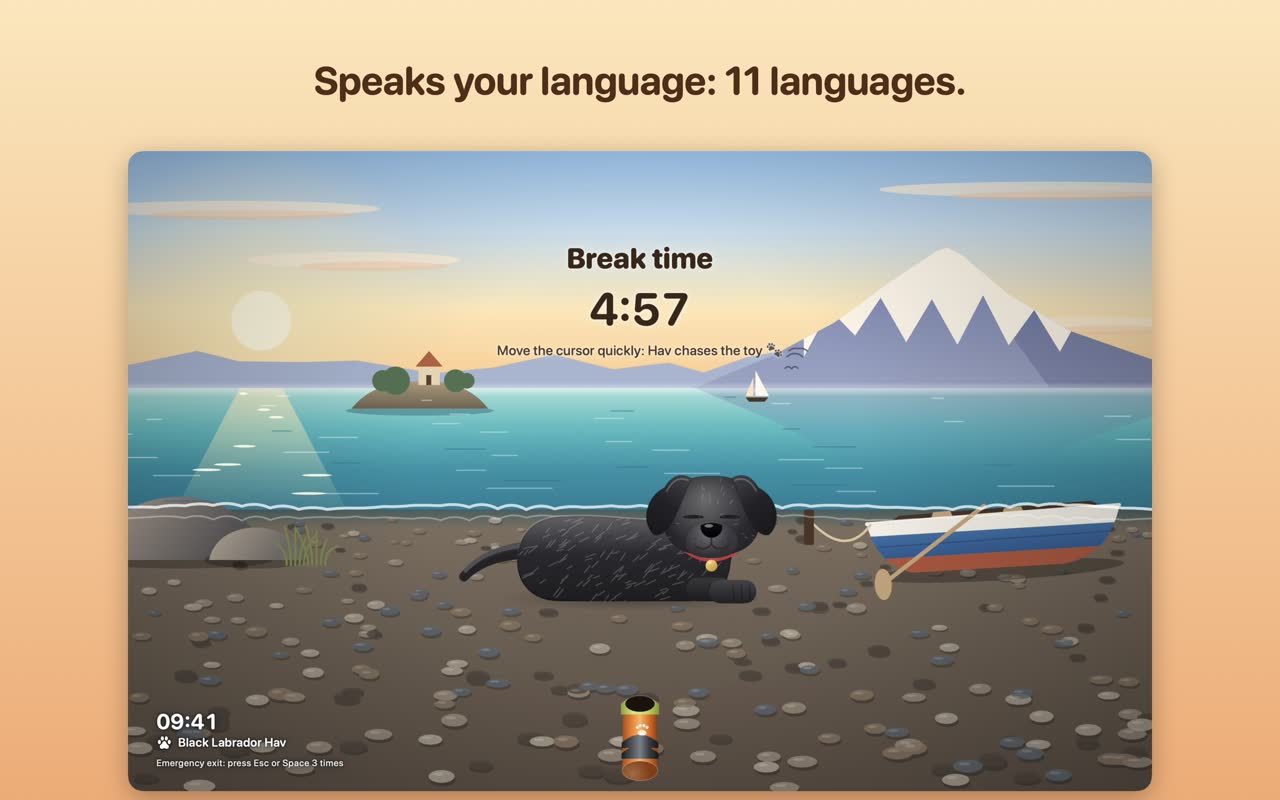
Mid-break, press ← → for a new pet and a new world.


Break reminders for Mac and Windows
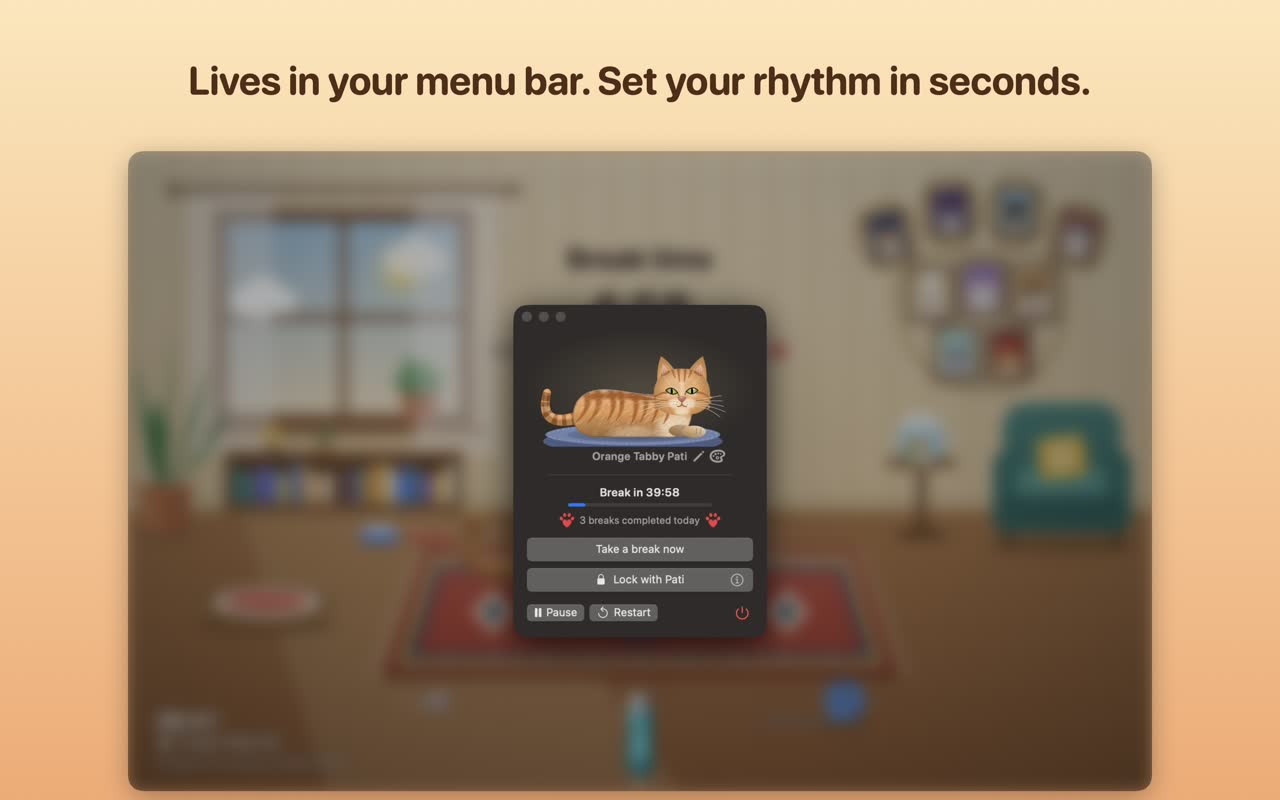
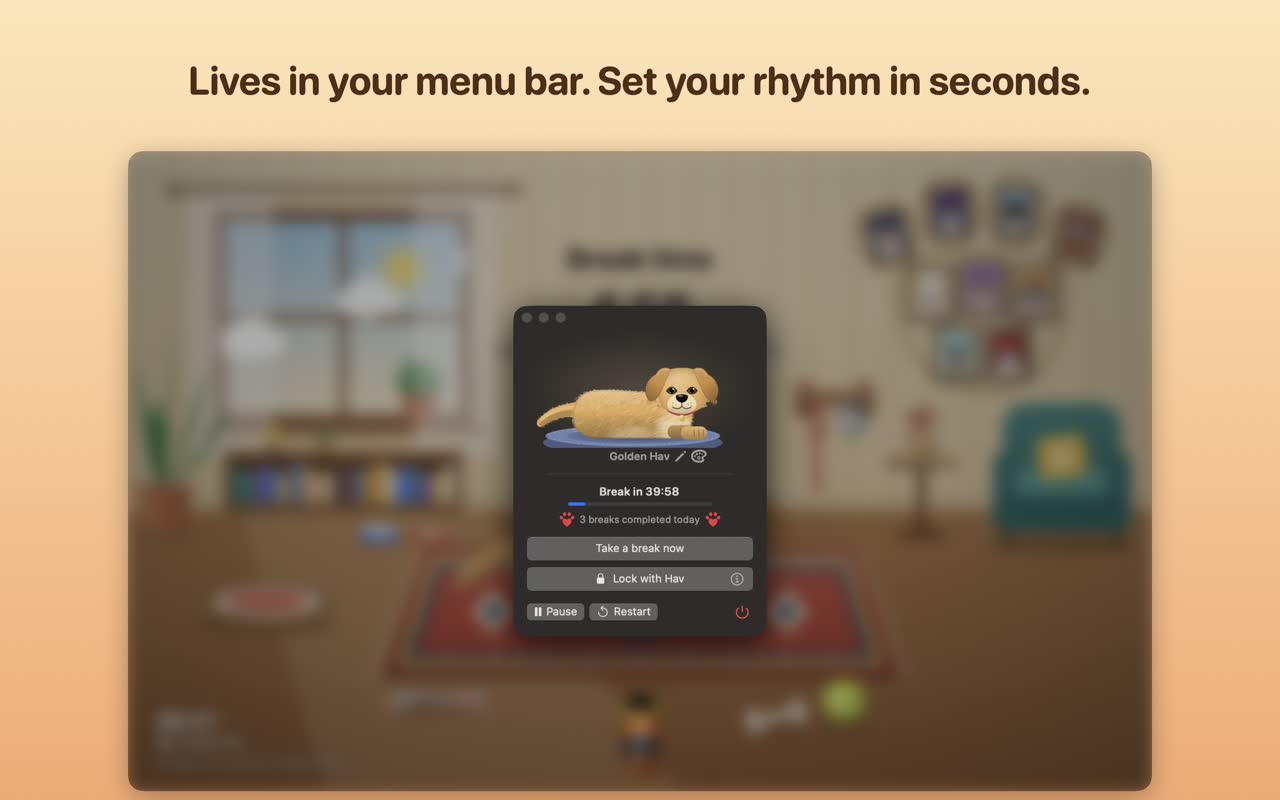
BreakPet apps live in your menu bar. When you have worked too long, Pati the cat or Hav the dog walks onto your screen, lies on your keyboard and plays with you until the break is over.
The BreakPet family
Every BreakPet app is the same idea with a different friend: a timer in your menu bar, and a pet that takes over the screen when it is time to rest.
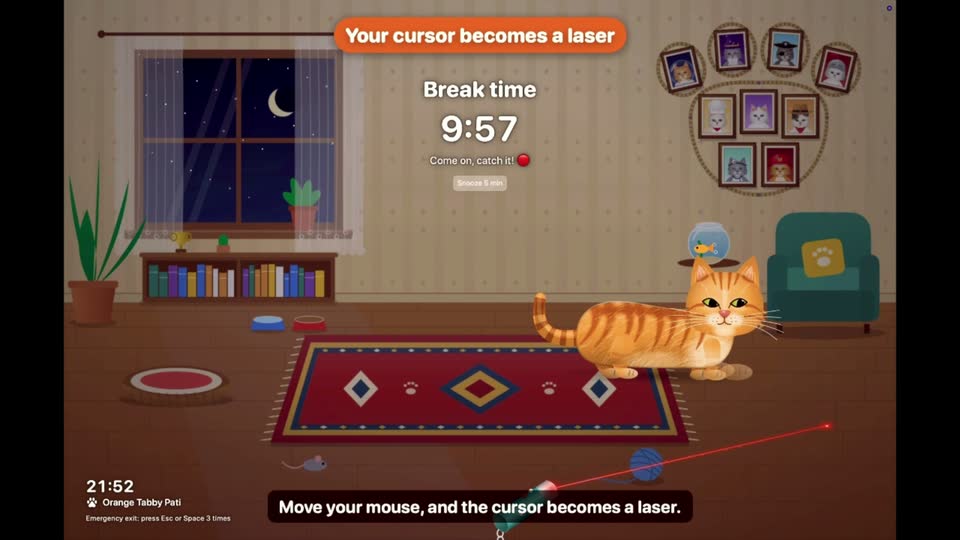
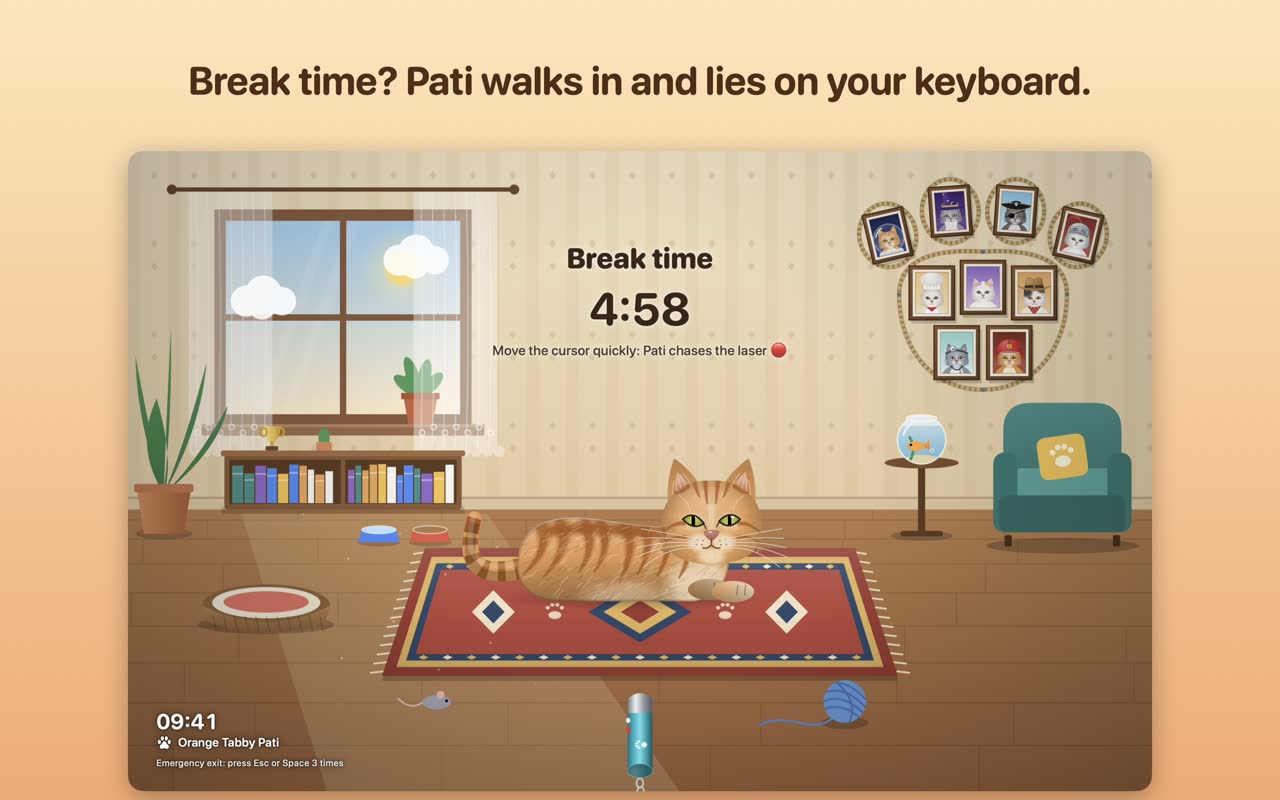
Your cursor becomes a laser. Pati chases it, pounces, purrs when you pet it, and paws at the screen when you type.
See Pati
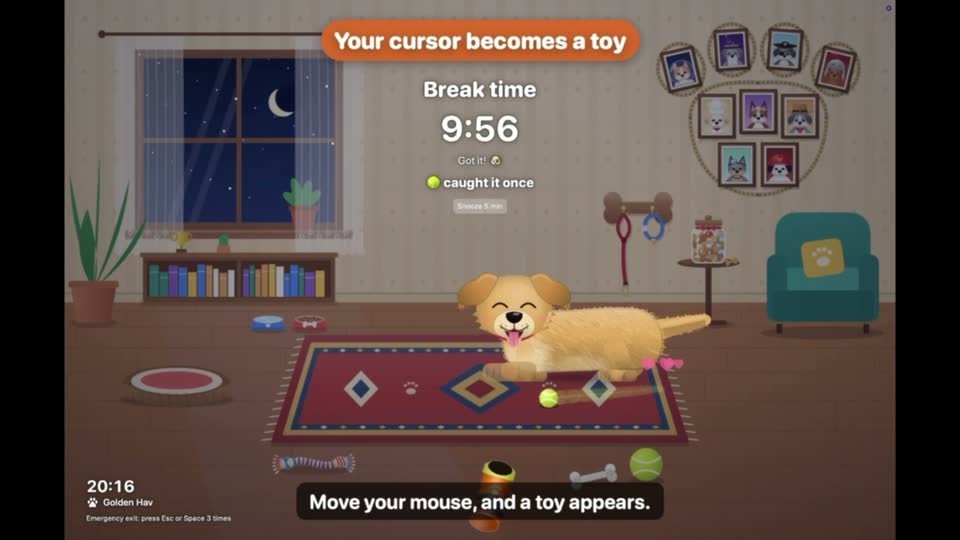
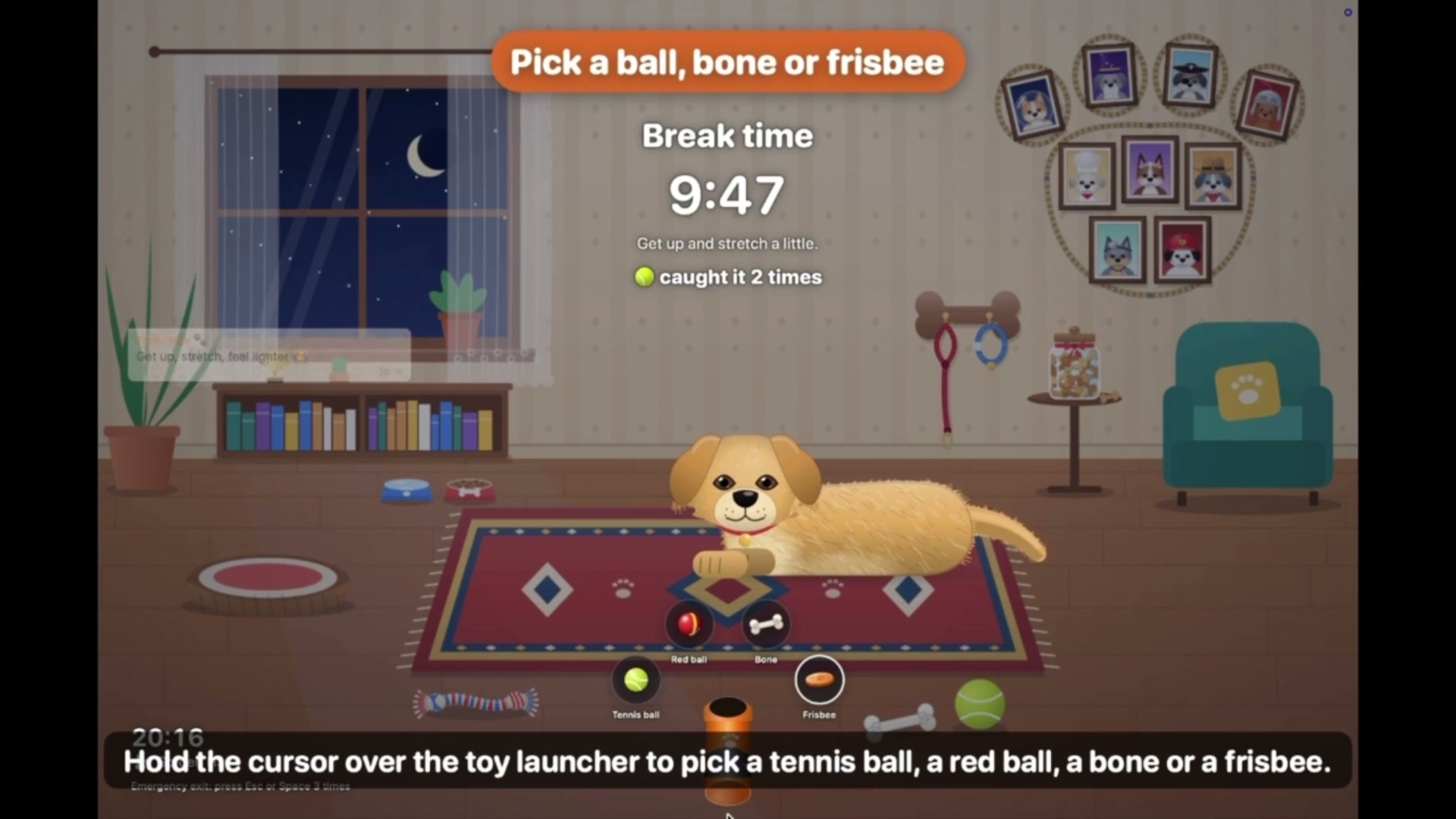
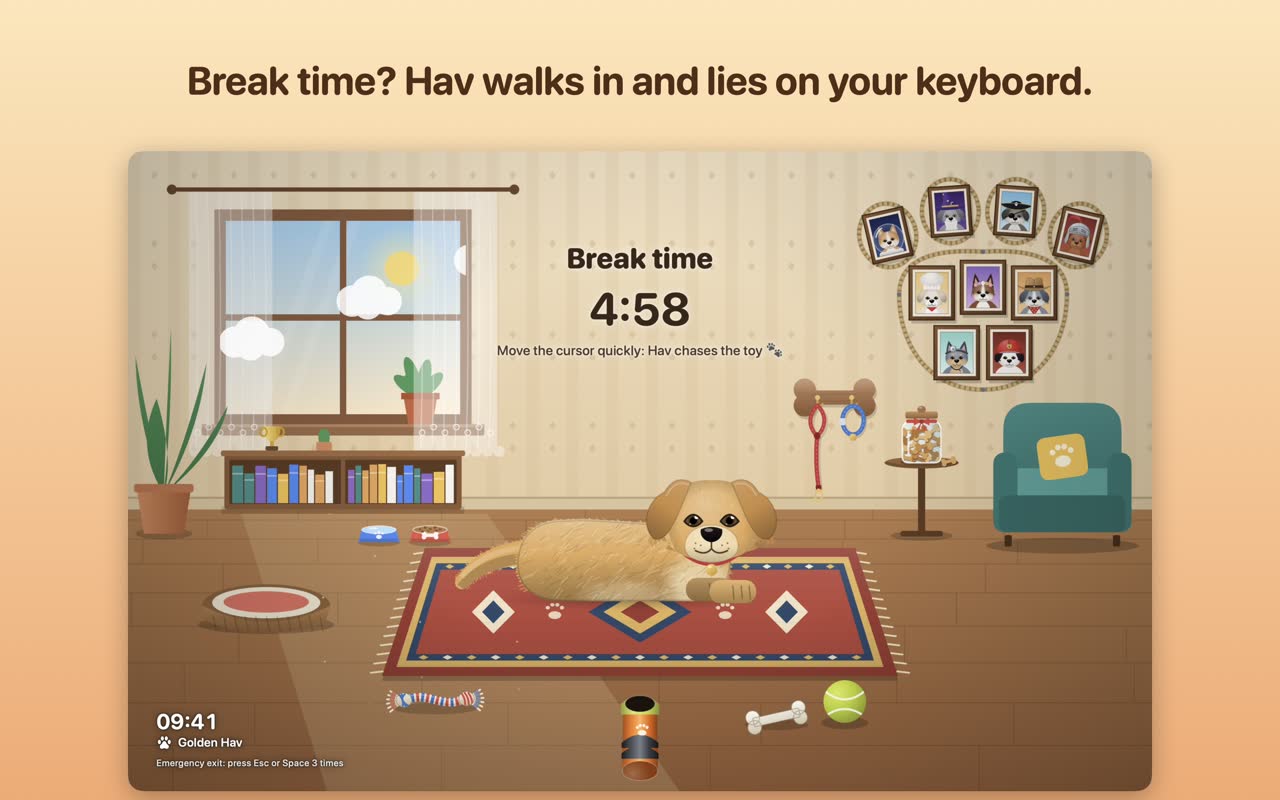
Your cursor becomes a toy: a tennis ball, a bone or a frisbee. Hav fetches it, rolls over for belly rubs and gives you a silent bark.
See HavAs the BreakPet family grows, new companions will show up here first.
thebreakpet@gmail.comHow it works
A quiet timer in your menu bar
Your pet peeks in 60 s before
Your pet takes over the screen
Mid-break, press ← → for a new pet and a new world.
 100+
Every setting, one click away.
Your pet lives behind your windows, all day.
Touch ID · Windows Hello
The break waits for you.
Today's breaks, ready to share.
Free to start · 3 pets free · no subscription
Why BreakPet?
Most break timers send a notification. It's easy to dismiss without looking up. A cat on your keyboard is not.
| A plain break timer | Pati & Hav | |
|---|---|---|
| The reminder | A notification you can close in a second | A cat or a dog lies on your keyboard until the break is over |
| Before the break | Often nothing, then a sudden pop-up | Your pet peeks in 60 seconds before |
| On a call | It may pop up in front of everyone | The break waits and starts 30 seconds after you're done |
| During the break | A countdown | Play, pet for hearts, stretch with a tiny tip |
Pati · The Break Cat
Working nonstop? Pati walks onto your screen, lies on your keyboard and will not move until you take a break. Chase the laser, pet the cat, stretch, then back to work.
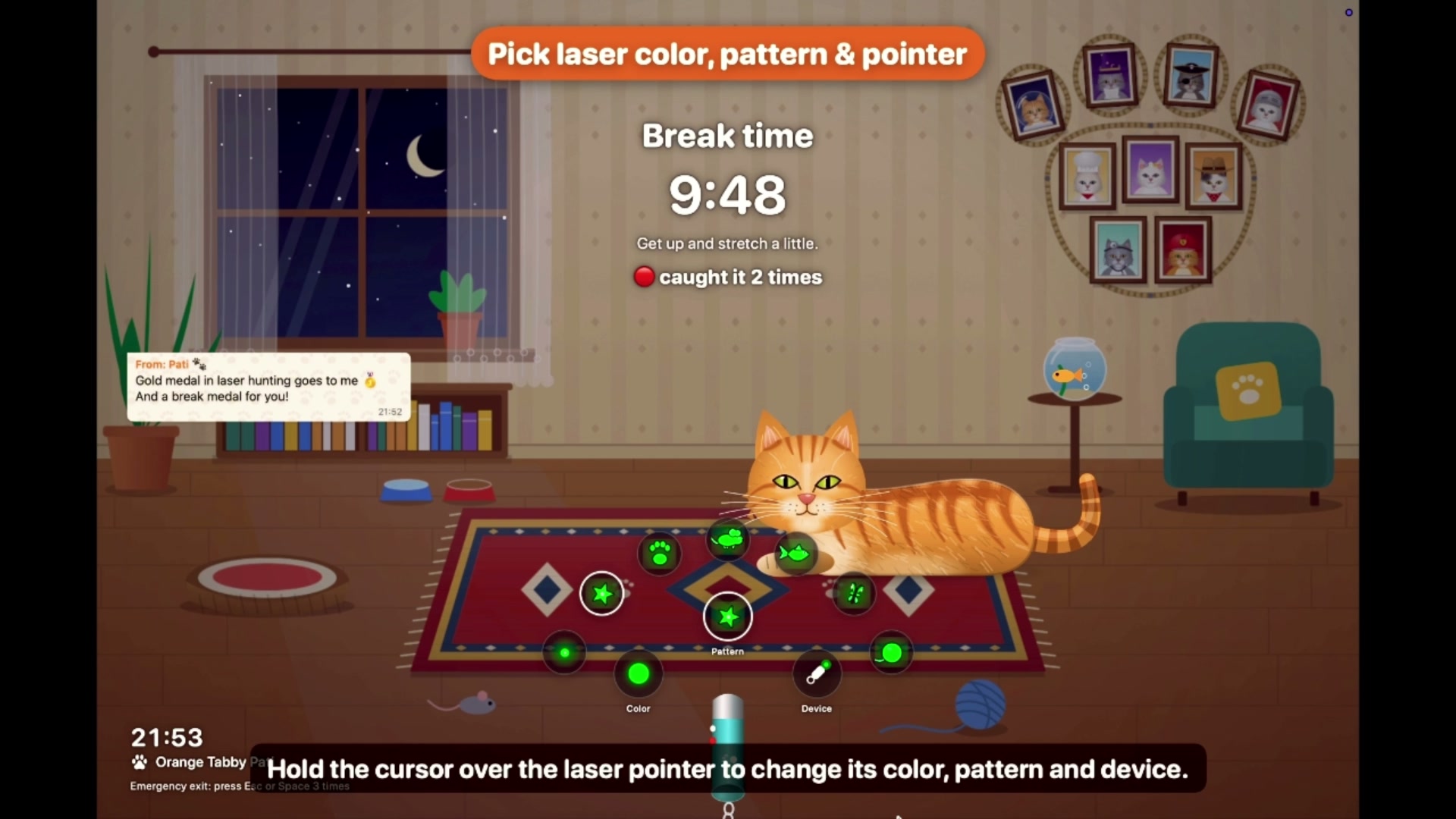 1:43
Tap a phone to watch the short with sound.
Hav · The Break Dog
Working nonstop? Hav trots onto your screen, lies on your keyboard and will not move until you take a break. Play ball, pet the dog, stretch, then back to work.
 1:47
Tap a phone to watch the short with sound.
In every BreakPet app
Work and break durations on simple wheels. Pause for 30 minutes, an hour or until tomorrow morning.
60 seconds before each break your pet peeks in from the edge of the screen. Wrap up, or start right away.
On a call or presenting in Keynote or PowerPoint? The break waits and starts 30 seconds after you are done.
Cover your screen with your pet while you step away. Unlock with Touch ID, Windows Hello or your password.
Let your pet live on the desktop behind your windows, all day long.
One click turns the scene, your pet's name and today's breaks into a postcard to share, save or copy.
Take a break now, pause, lock with your pet: in the Shortcuts app, Siri and Spotlight on Mac; in the taskbar jump list on Windows.
No account, no analytics, no ads. The apps never read what you type or see what is on your screen.
Free to start
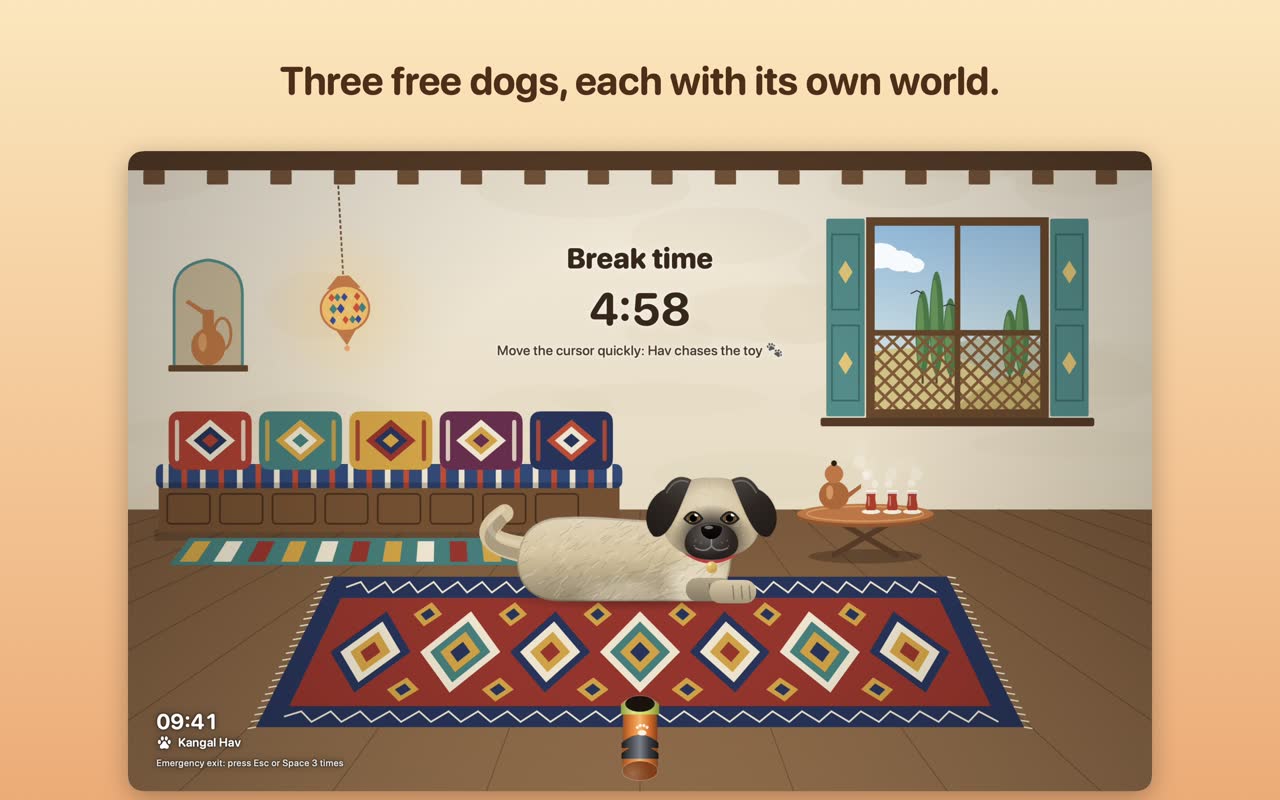
Ten optional packs, or the Complete Collection, add 97 more cats or dogs, each with its own break scene. One-time purchases through the App Store or Microsoft Store, no subscription.
Packs $1.99 to $3.99 · Complete Collection $14.99 (US prices; your store shows local prices)
Questions
Yes. Both apps are built for Mac and for Windows. On Mac they live in the menu bar, on Windows in the system tray.
Emergency exit: press Esc or Space three times. You can also snooze a break by five minutes once, right when it starts.
No. It covers the screen with your pet and opens with Touch ID, Windows Hello or your password, but your session stays signed in. When you leave your computer unattended, use your system's own lock as well.
The apps are free with three pets and the special-day guests. Extra cats and dogs come in optional one-time packs through the App Store or Microsoft Store. There is no subscription.
None. There is no account, no analytics and no advertising. Settings, names and looks stay on your computer. Read the full privacy policy for the details.
Open the store window inside the app and click Restore Purchases. Packs bought with the same Apple Account or Microsoft account unlock again at no cost.