
How Pati works
- Set your work and break times in the menu bar (Mac) or system tray (Windows).
- 60 seconds before a break, Pati peeks in from the edge of the screen.
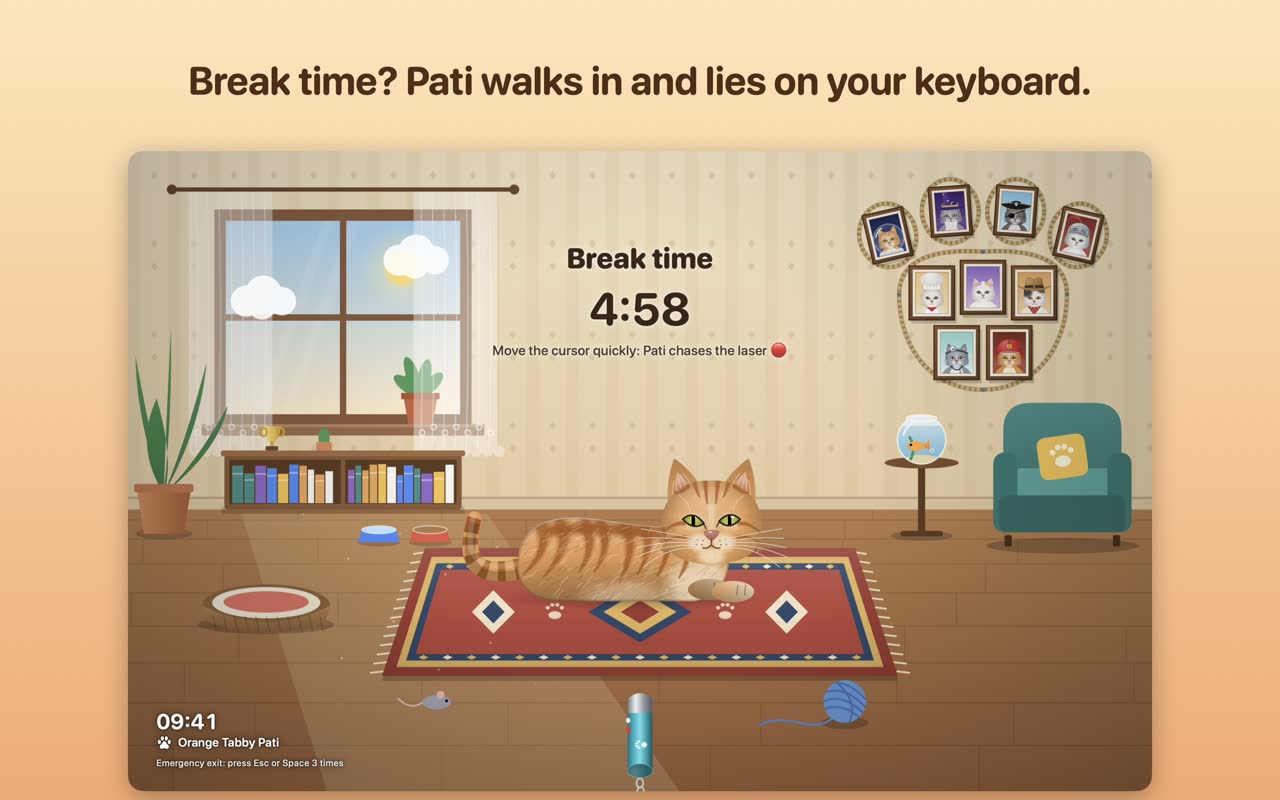
- Then Pati walks in, lies on your keyboard and the break begins.
- Chase the laser, pet Pati for hearts, read a tiny stretch tip. When the time is up, Pati waves goodbye.
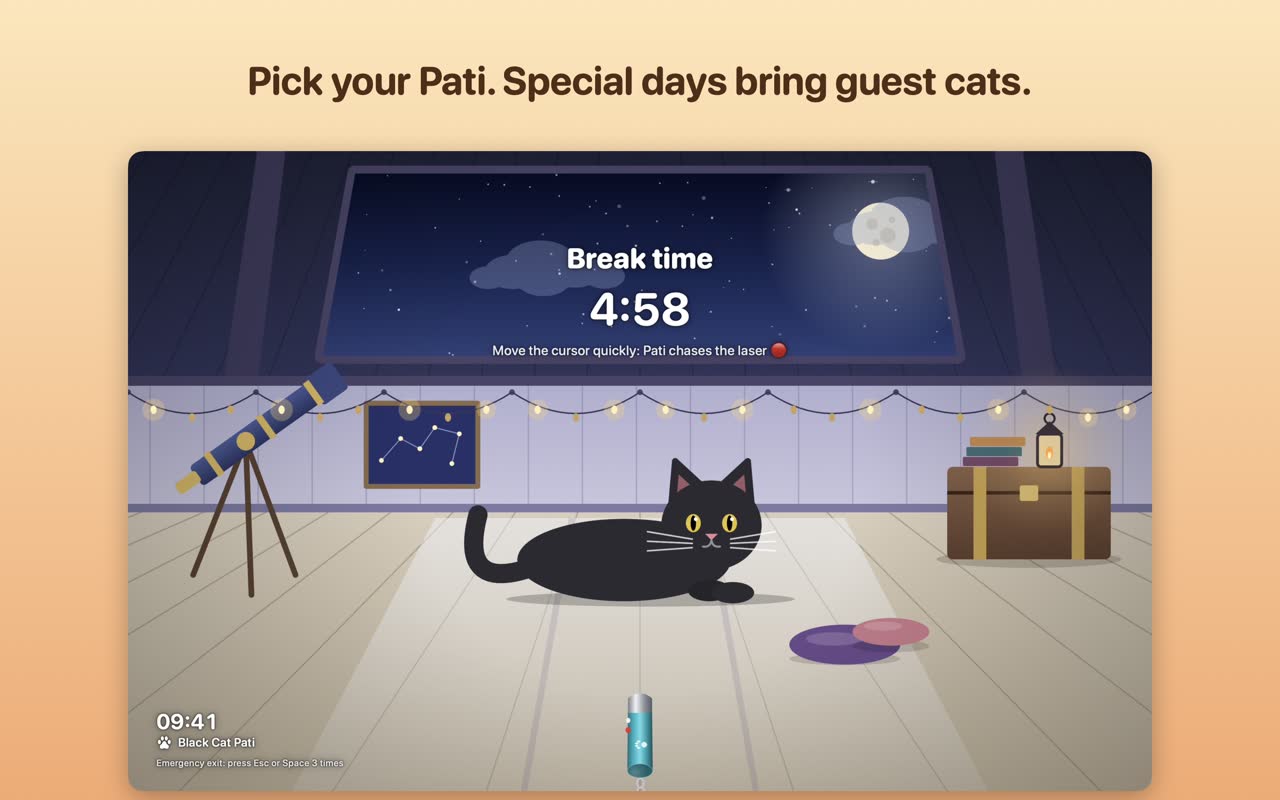
More than 100 cats
Pati comes with three free cats and guest cats that visit on special days. Ten optional packs add 97 more, each with its own break scene: space cats, adventurers, breeds, jobs, sports, stage stars, legends, everyday life and nature.
Prefer dogs?
Meet Hav, the same idea with a dog. Play ball instead of chasing the laser.
Get Pati
Questions
Is Pati free?
Yes, to start: three cats and the special-day guests are free. Extra cats come in optional one-time packs (no subscription).
Will the cat show up during my meetings?
No. The meeting shield waits until your call or presentation is over.
Can I leave a break early?
Press Esc or Space three times. You can also snooze a break by five minutes once, right when it starts.
More guides
The 20-20-20 ruleSet it up in under a minuteBreak reminder for MacMenu bar, Shortcuts, Touch IDBreak reminder for WindowsSystem tray, Windows HelloBest break reminder apps (2026)Seven apps, compared fairlyA desktop pet with a jobA cat or dog that gets you upStretchly alternativeAn honest comparisonTime Out alternativeTime Out vs. Pati and HavBreakTimer alternativeBreakTimer vs. Pati and Hav