
How Hav works
- Set your work and break times in the menu bar (Mac) or system tray (Windows).
- 60 seconds before a break, Hav peeks in from the edge of the screen.
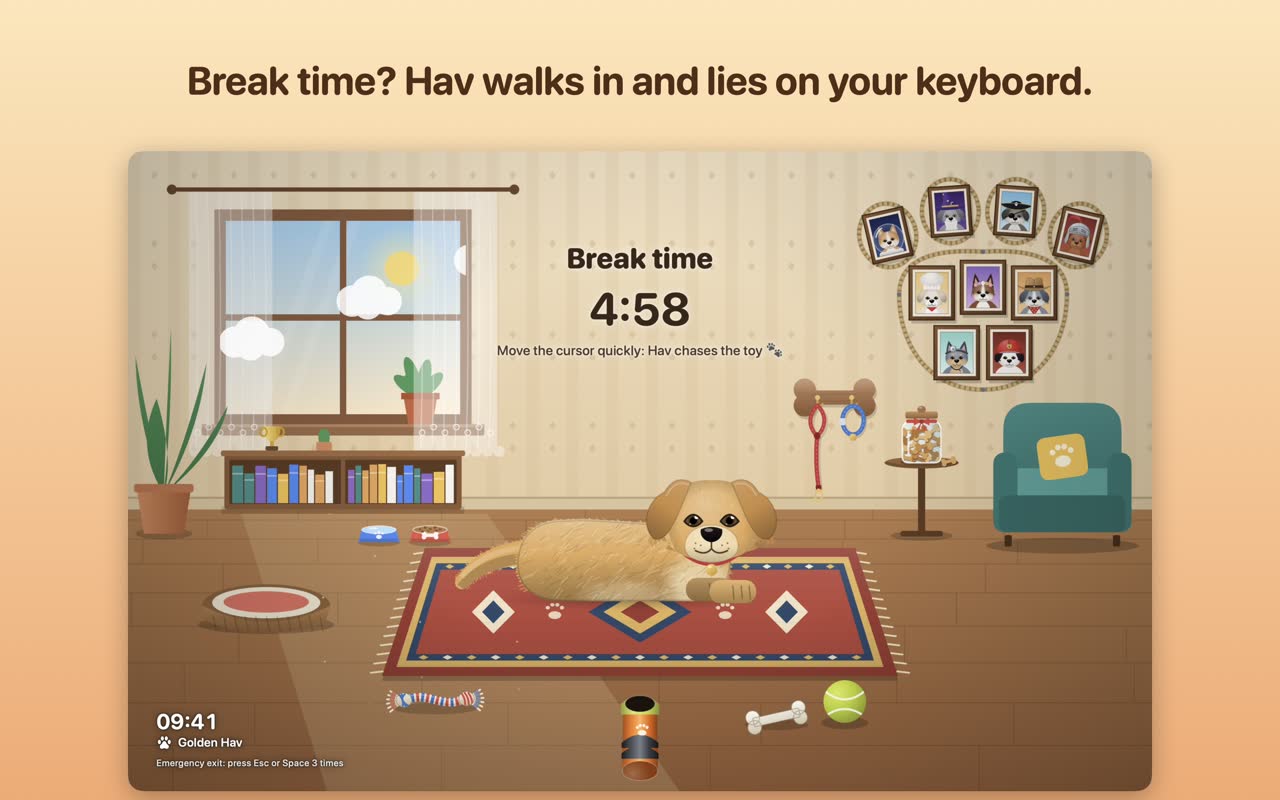
- Then Hav trots in, lies on your keyboard and will not move until you take the break.
- Play ball, pet Hav for hearts, read a tiny stretch tip. When the time is up, you are back to work.
Fetch, belly rubs and a silent bark
- Fetch! Your cursor turns into a tennis ball, a red ball, a bone or a frisbee. On the floor Hav does a play bow and pounces; in the air he jumps and catches it.
- Belly rubs. Pet Hav slowly: hearts, a wagging tail, happy panting, and a roll onto his back.
- A silent bark. Press a key and Hav taps the glass with his paw. The keyboard is his now.
Why a dog works as a break reminder
A quiet notification is easy to close in a second. A dog lying on your keyboard is not. When the break starts there is simply nothing left to type, so you stand up, look at something far away, roll your shoulders or fetch a glass of water. Those small movements are the point of a break, and a playful dog makes them feel less like a chore.
If you want a rule to start with, set a work time you can really stick to, and keep the break short but regular. You can change both with simple wheels in the menu bar, from a 20-second eye break to a long lunch.
Hav Lock
Grab a coffee while a playful dog covers your screen. You unlock with Touch ID, Windows Hello or your password. It is not a real lock, though: your session stays signed in, so use your system lock too when you leave your computer alone.
More than 100 dogs
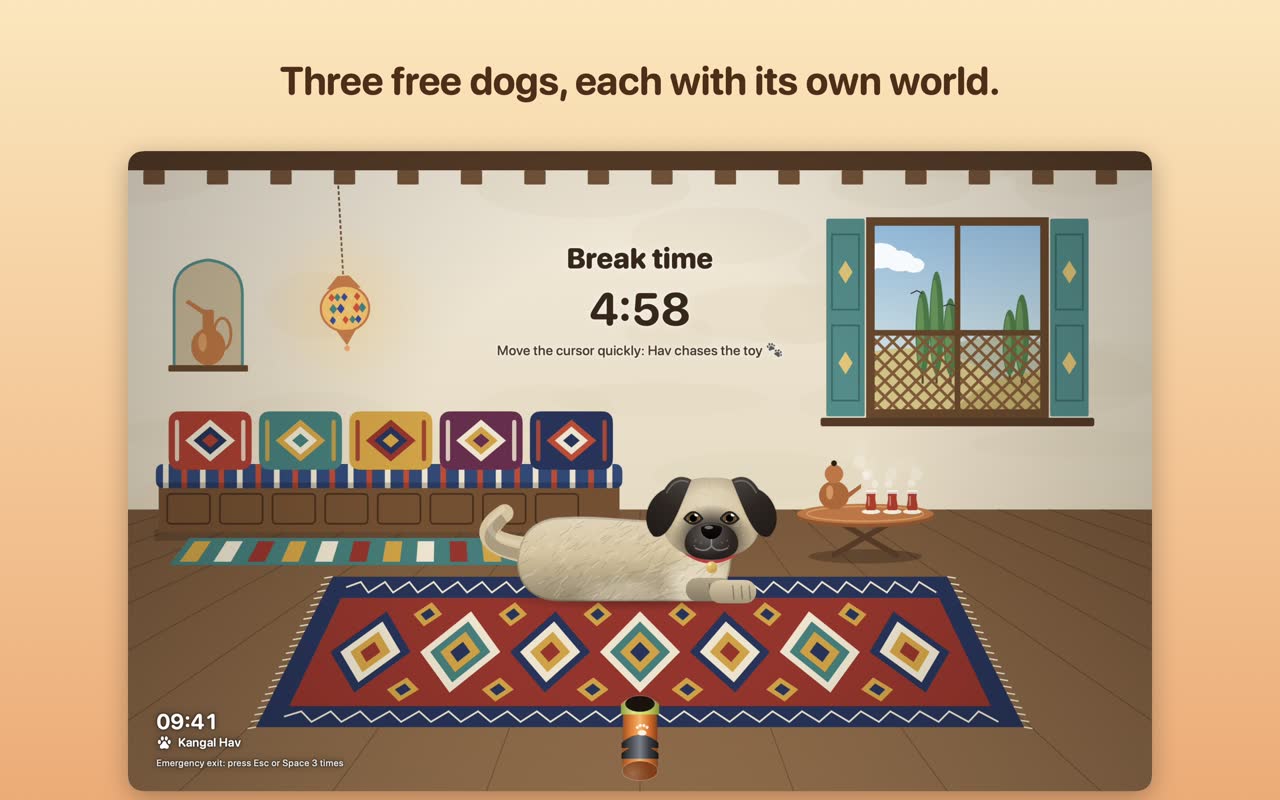
Golden, Kangal and Black Labrador are free, plus guest dogs that visit on special days. Ten optional packs add 97 more, each with its own break scene: space dogs, adventurers, breeds, jobs, sports, stage stars, legends, everyday life and nature.
Prefer cats?
Meet Pati, the same idea with a cat. Chase the laser instead of fetching the ball.
Get Hav
{stores("en", "hav")}Questions
Is Hav free?
Yes, to start: three dogs and the special-day guests are free. Extra dogs come in optional one-time packs (no subscription).
Will the dog show up during my meetings?
No. The meeting shield waits until your call or presentation is over.
Can I leave a break early?
Press Esc or Space three times. You can also snooze a break by five minutes once, right when it starts.
Does Hav run on Windows too?
Yes. Hav is built for Mac and for Windows. On Mac it lives in the menu bar, on Windows in the system tray.